The energy project operating system

Every energy project runs on one record.

LumenAudit Pro is the operating system for retrofit work. Field capture, engineering scope, savings models, incentives, procurement, and commissioning all resolve against a single tenant-scoped project — so the proposal, the bill of materials, and the closeout package can never disagree.

No credit card · One user · Lighting audit, proposal PDF, and Excel BOM included

Disciplines
9
Project stages
5
Sources of truth
1
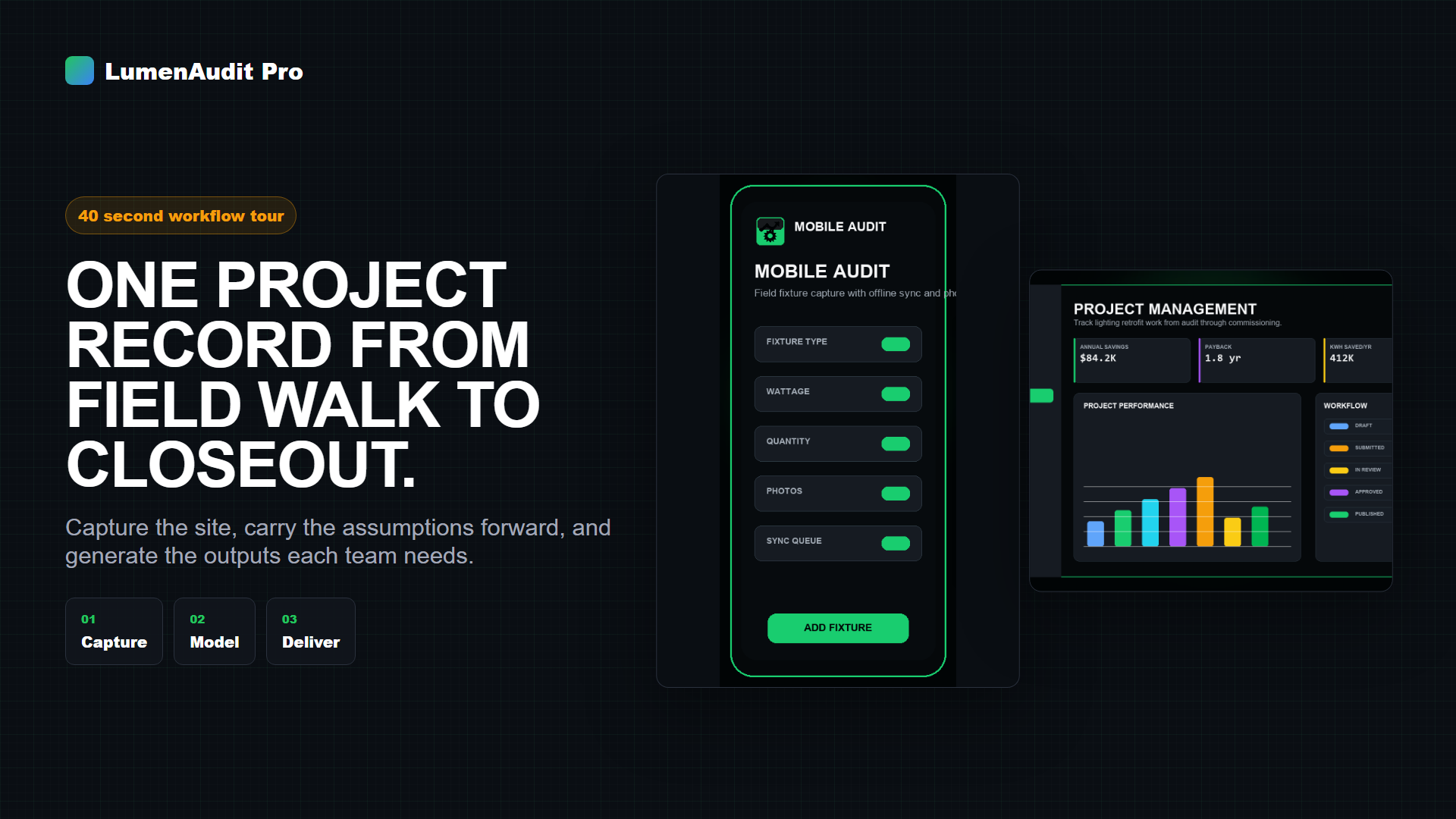
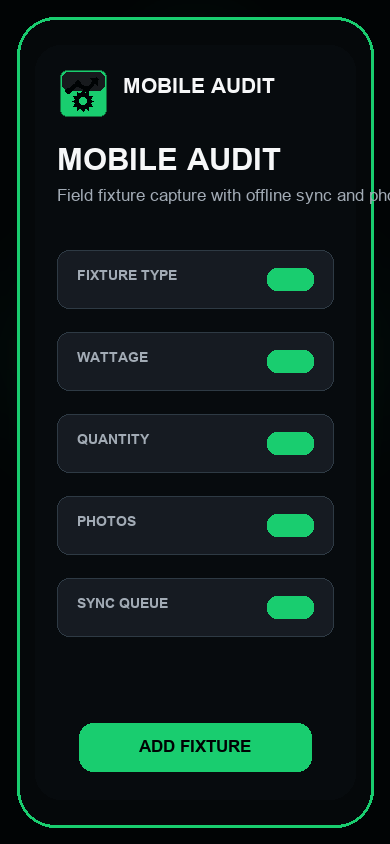
field capture · offline-ready Beta
LumenAudit Pro mobile audit screen showing field fixture capture.

Product screenshot using sample project data.

Access

Free beta is open. The lighting audit-to-proposal path is the entry point.

Scope

Nine discipline modules resolve against one tenant-scoped project record.

Origin

Built by people who run audits, estimates, BOMs, and closeouts for a living.

Existing users

Log in remains separate from beta signup.

02 / The problem

Retrofit projects don't fail in the field. They fail between the tools.

A single site walk becomes a workbook, a takeoff, a savings model, a quote, a purchase order, and a closeout packet. Each one is a separate document. Each one drifts. By the time the customer signs, nobody can prove the numbers still agree.

Failure mode 01

Spreadsheets

A workbook has no concept of a project. It has cells. Rename a tab, copy last quarter's file, paste a fixture count one row low, and the error propagates silently into the proposal. There is no validation, no ownership, no version anyone trusts, and no way to answer "which number is current?" without opening five files.

  • Copy-paste lineage instead of a data model
  • Formula drift nobody reviews
  • Field photos stranded on a phone
Failure mode 02

Legacy audit tools

Most audit software stops at the audit. It captures fixtures and prints a savings summary, then hands you a PDF and walks away. Estimating happens elsewhere. Procurement happens elsewhere. Commissioning happens elsewhere. The tool that knew the scope is not the tool that has to defend the price.

  • Read-only exports, not live records
  • Single discipline, single deliverable
  • Re-keying at every handoff
Failure mode 03

Fragmented stacks

Lighting in one app. HVAC in a workbook. EV in a consultant's deck. Estimating in the bid software. Rebates in a portal. Nine disciplines, nine systems, zero shared identity for the site. Portfolio reporting becomes a manual reconciliation exercise every quarter.

  • No cross-measure roll-up
  • Incentive eligibility discovered too late
  • Closeout evidence scattered across inboxes

Why this needs an operating system, not another app. Multi-discipline energy work is not a document problem — it is a state problem. Scope, cost, savings, incentive eligibility, procurement status, and verification evidence are facets of one object that changes over months and passes through five teams. Anything that models it as a stack of files will keep producing deliverables that quietly disagree. The fix is a system of record with one canonical project, typed data, enforced access boundaries, and generated outputs.

03 / The system

One project object. Five stages. Every deliverable generated, not authored.

LumenAudit Pro holds the project as a typed record and moves it through the real lifecycle. Each stage reads what the previous stage wrote. Nothing is re-entered, so nothing can drift.

STAGE 01

Field

Areas, fixture counts, wattage, mounting, controls present, photos, and site conditions — captured offline on a phone or tablet.

IN  site walk
OUT typed asset inventory
STAGE 02

Engineering

Replacement logic, controls sequence, HVAC and EV measures, plan takeoff reconciliation, and quantity validation against the captured inventory.

IN  asset inventory
OUT engineered scope
STAGE 03

Financials

Energy and demand savings, maintenance avoidance, material and labor cost, markup, incentives, payback, ROI, NPV, and IRR.

IN  engineered scope
OUT defensible economics
STAGE 04

Procurement

Bill of materials generated from the same counts that priced the job, with vendor packages and order tracking against the awarded scope.

IN  awarded scope
OUT BOM + buy package
STAGE 05

Commissioning

Installation progress, controls verification, punch items, measurement and verification, and a closeout package that references the original audit evidence.

IN  installed work
OUT verified closeout

Faster

The proposal, BOM, and financial model are outputs of the record, not documents someone assembles afterward. Production time collapses because the assembly step disappears.

Safer

Tenant-scoped access, role boundaries, and export gating mean project data does not leak between customers or leave through an unreviewed attachment.

More accurate

One count feeds every calculation. Change a quantity and the savings, the price, the incentive, and the material list all move together — or the system tells you why they can't.

Why LumenAudit

The difference is architectural, not cosmetic.

Three ways to run a retrofit business. Only one of them holds state.

Comparison of spreadsheets, single-purpose audit tools, and LumenAudit Pro
Capability Spreadsheets Single-purpose audit tools LumenAudit Pro
Source of truth Whichever file was opened last The audit, until it is exported One tenant-scoped project record
Disciplines covered Whatever you build by hand Usually lighting only Lighting, controls, HVAC, EV, electrical
Estimating and BOM Separate workbook Separate system Generated from the audited counts
Field capture offline Paper, then re-keyed Varies; often connection-required Offline-ready PWA with sync
Access control File permissions Account-level Tenant isolation plus role scoping
Lifecycle coverage Ends at the quote Ends at the report Runs through commissioning closeout
04 / Modules

Nine disciplines. One project record.

Each module writes into the same canonical project. Turn one on and its measures roll into site totals, portfolio reporting, and the customer deliverable without a reconciliation step.

In the free beta On the platform
Lighting Audit
Beta

Fixtures to proposal

Capture areas, counts, wattage, burn hours, and replacements with photo evidence. Savings, proposal PDF, and Excel BOM generate from the same rows.

Controls + Commissioning
Platform

Sequence and verify

Design zones, write the sequence of operations, then close the loop with commissioning checks recorded against the same fixtures you audited.

HVAC Audit
Platform

Mechanical scope

Capture equipment, runtime, and efficiency inputs so mechanical measures roll into project savings and payback next to the lighting scope.

EV Charging Survey
Platform

Site to charger plan

Document ports, service capacity, trenching, and utilization assumptions to size an EV opportunity against real electrical headroom.

Electrical Estimating
Platform

Bid-ready numbers

Build estimates from assemblies and materials with labor rates, overhead, markup, and profit applied by rule instead of by memory.

Plan / PDF Takeoff
Platform

Drawings to line items

Resolve electrical plan PDFs into fixture, circuit, and panel counts. Every extracted row is reviewed before it is allowed into the bid.

Rebates + Financials
Platform

Fundable economics

Model utility incentives, energy and demand savings, payback, ROI, NPV, and IRR directly from audited quantities — then track the claim.

Portfolio Analytics
Platform

Sites in aggregate

Roll individual sites into portfolio hierarchies. Compare savings density, capital required, and pipeline stage across every property in the program.

Closeout / Reporting
Platform

Governance and compliance

Organization roles, approval workflow, version history, and closeout reporting so a finished project can be audited long after the crew leaves.

The free beta starts with the lighting audit workflow; the remaining modules are part of the platform and open through evaluation. Planning electrical infrastructure work first? Get a free Electrical Infrastructure Readiness Score.

05 / Deliverables

Six outputs. One walkthrough. Zero re-keying.

Count the fixtures once. Everything below is generated from that record, which is why the quote, the material list, and the closeout packet stay in agreement.

Output 01

Customer proposal

Branded PDF with scope, savings, payback, and the assumptions written out where a facility director can check them.

Output 02

Bill of materials

Excel BOM built from the audited counts, with part detail your distributor can quote against without a translation call.

Output 03

Financial analysis

Energy, demand, and maintenance savings against installed cost. Payback, ROI, NPV, and IRR on stated assumptions.

Output 04

Utility incentives

Incentive modeling tied to the measure list, plus rebate claim tracking so the money that justified the project actually lands.

Output 05

Procurement package

Vendor-ready buy package derived from the awarded scope, with ordering status visible on the project instead of in an inbox.

Output 06

Commissioning closeout

Installation records, controls verification, and measurement and verification evidence bound to the original audit rows.

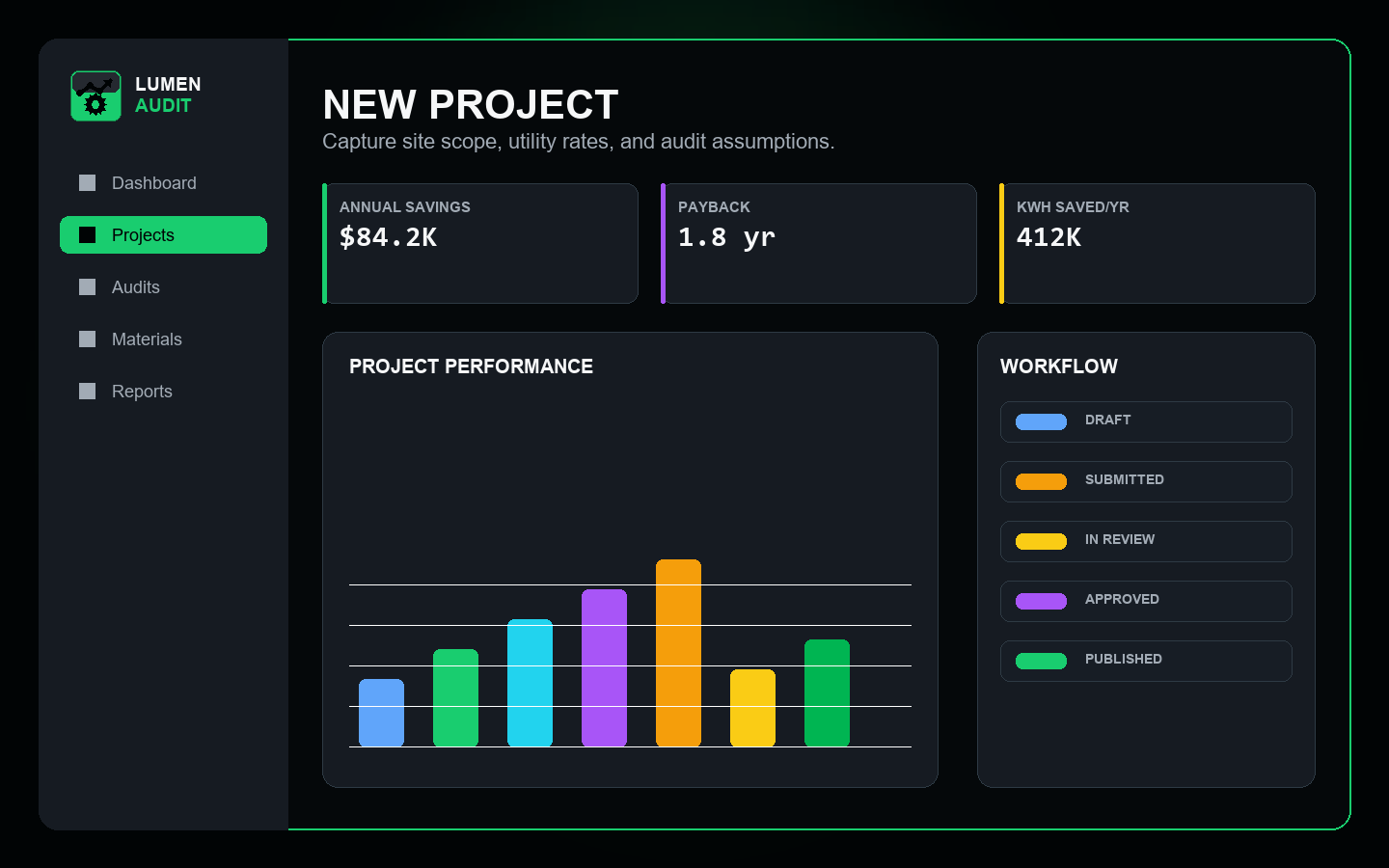
New project setup screen in LumenAudit Pro.
Stand up a site in under a minute.
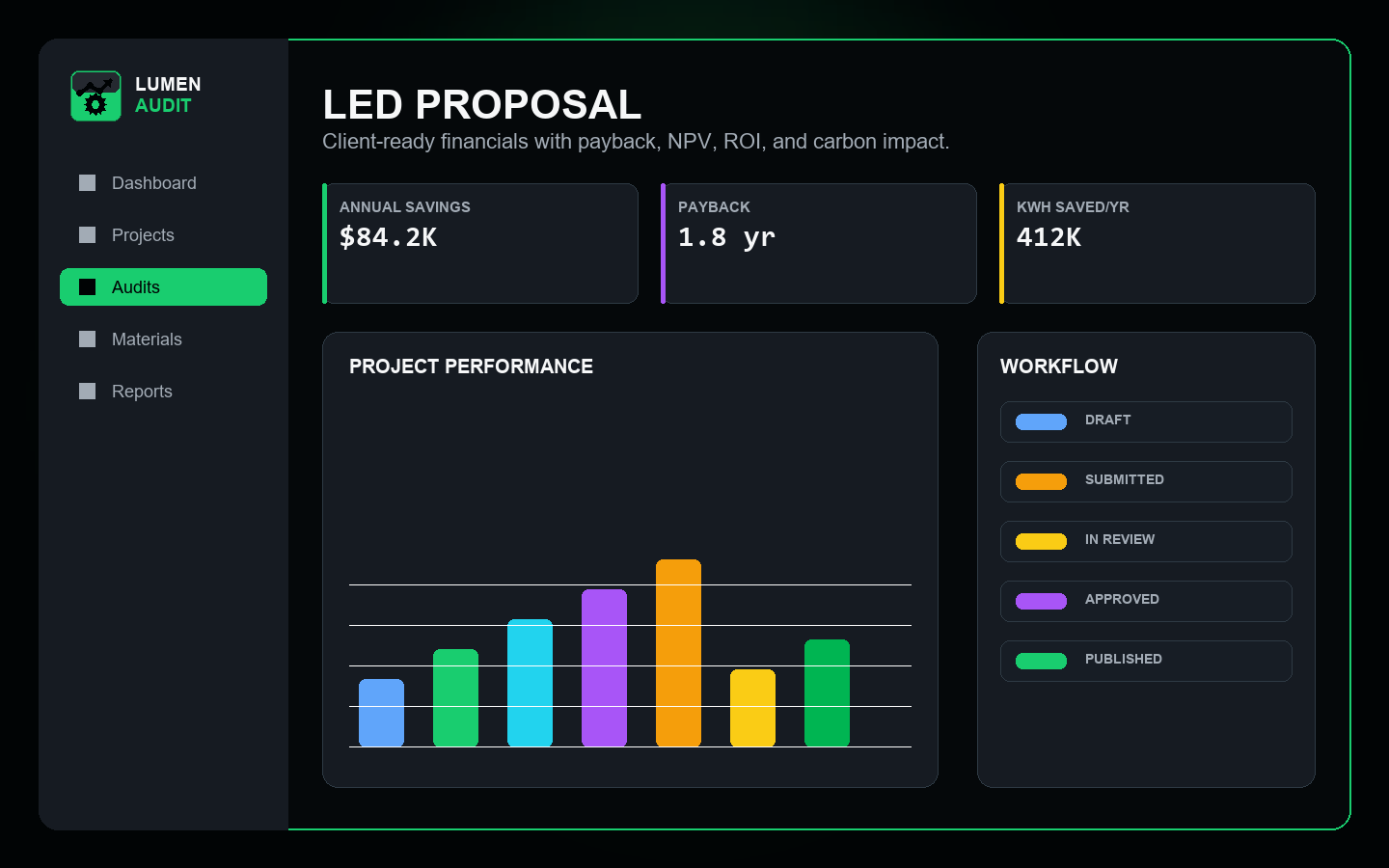
Proposal preview screen in LumenAudit Pro.
Savings and payback the customer can follow.
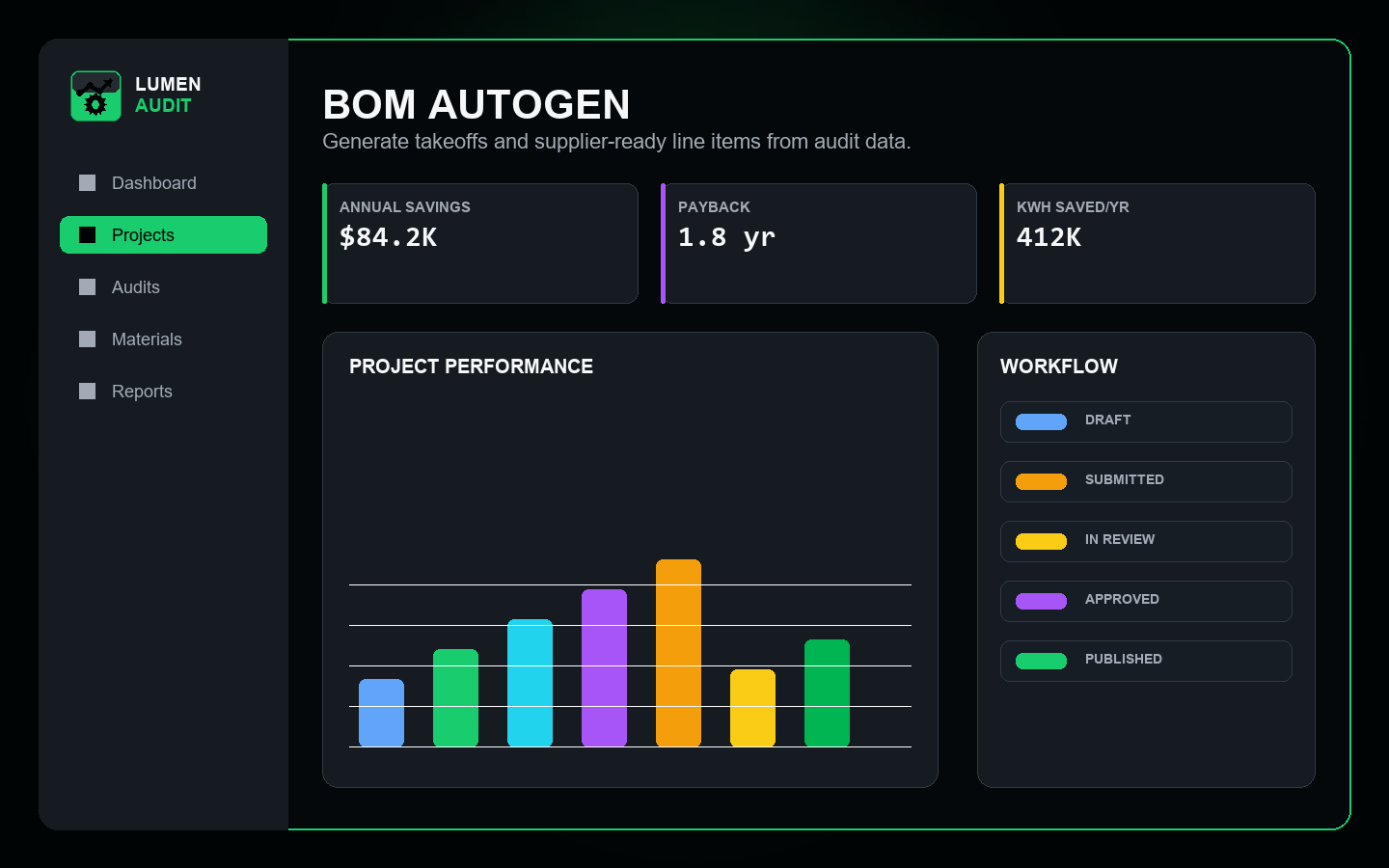
Auto-generated bill of materials screen in LumenAudit Pro.
A BOM assembled from your own counts.
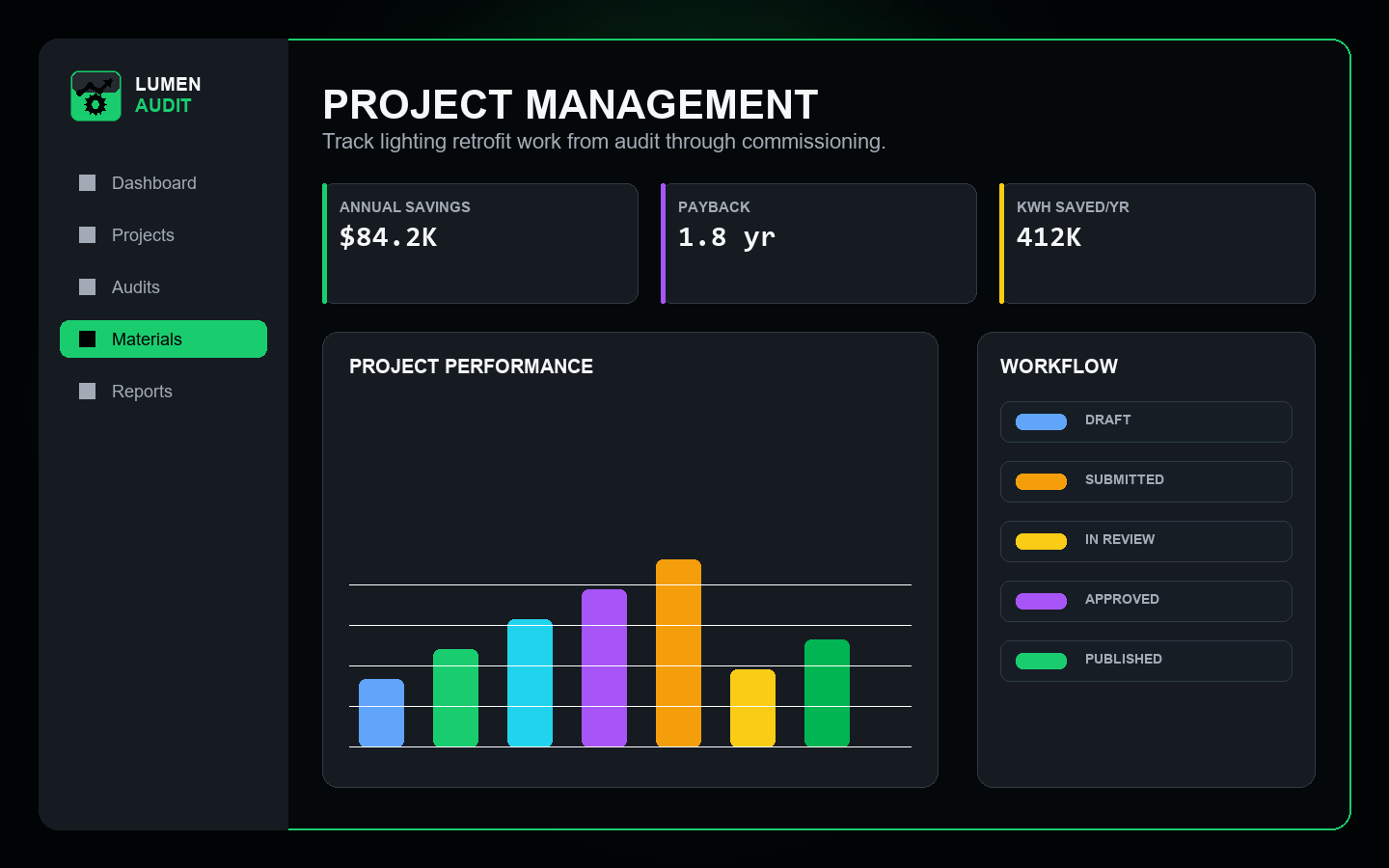
Project management status screen in LumenAudit Pro.
Every site tracked from quote to closeout.
06 / Architecture

Built like infrastructure, because it holds the numbers you sign.

Evaluation teams ask the same five questions. Here are the answers, without the marketing layer.

Tenant-aware records

Every project, site, fixture, cost, and document belongs to a tenant. Access is scoped at the data layer with row-level policies, not filtered in the interface — so a misrouted link or a shared login cannot surface another customer's project.

Offline-ready PWA

Field capture runs as an installable progressive web app with local persistence and a sync queue. Auditors work through basements, warehouses, and parking structures with no signal, and the record reconciles when connectivity returns.

Guarded exports

Proposal PDFs, BOM workbooks, and shared client links are gated by plan and role, and share tokens are scoped and revocable. Exports are events against the project, not files that quietly leave it.

Explicit data model

Sites, areas, fixtures, measures, assemblies, materials, incentives, and verification records are first-class typed entities with defined relationships. Rollups are computed from those entities, so a total can always be traced back to the rows that produced it.

Security posture

Encrypted transport with strict transport security, hardened response headers and content security policy, role-based authorization, two-factor authentication on platform administration, object storage for documents and photos, and error and performance monitoring on the production API.

Who runs on it

Built for the teams that carry the project, not just the audit.

Lighting contractors

Field counts, replacement logic, cost, photos, and the customer deliverable stay attached to one project from walkthrough through closeout.

ESCOs

Multi-measure projects roll up cleanly. Savings, incentives, and capital requirements hold together across lighting, controls, HVAC, and EV scope.

Facility energy programs

Standardize how every site is captured, priced, approved, and reported, so a hundred buildings behave like one repeatable process.

Estimating teams

Takeoff, assemblies, labor, and markup live next to the audit that generated them, which removes the spreadsheet handoff entirely.

07 / Proof

We publish results, not adjectives.

LumenAudit Pro is in free beta. Rather than fill this section with stock quotes, we are holding it for named customers and measured outcomes from the beta program. The slots below are reserved and intentionally empty.

Testimonial slot — reserved
Reserved for a beta customer's own account of moving a real project from field walk to signed proposal.
Name · Role · Company
Testimonial slot — reserved
Reserved for an estimating or operations lead describing the change in proposal turnaround time.
Name · Role · Company
Testimonial slot — reserved
Reserved for a multi-site program owner on portfolio standardization across properties.
Name · Role · Company
Customer logos — reserved
Logo 01
Logo 02
Logo 03
Logo 04
Logo 05
Logo 06

Logos appear here only with written permission from the customer.

Case study slot — reserved

Multi-site retail rollout

To be published with the customer's measured baseline, installed scope, verified savings, and incentive capture.

Case study slot — reserved

Industrial high-bay retrofit

To be published with pre- and post-installation measurement and verification data.

Case study slot — reserved

ESCO multi-measure program

To be published with combined lighting, controls, and mechanical scope economics.

Want your project to be one of these?

Beta participants who run a real project end to end are invited into the case-study program. You review and approve every number before anything is published.

Join the case-study program
Return on investment

What is proposal production costing you right now?

Set the sliders to how your team actually works. The model assumes an audit reaches a proposal-ready state in about 2.4 hours on LumenAudit Pro; change that figure and the cost assumptions to match your own operation.

Your team today

Cost assumptions
Estimated annual value
$44,352/year
Hours regained
67 hours/month
Labor value recovered
$3,696/month
Time reduction
70% less proposal-production time
Per auditor
13.4 hours per auditor/month
Payback on implementation
Not applicable

Planning estimate only, based on your inputs and the assumptions shown. Actual results depend on project mix and team workflow.

See the demo

Watch one project cross all five stages.

A ten-minute walkthrough: field capture on a phone, engineered scope, savings and incentive modeling, generated proposal and BOM, then closeout. Same record the whole way.

  • 01Capture an area offline and sync it
  • 02Apply replacement logic and controls scope
  • 03Model savings, incentives, and payback
  • 04Generate the proposal PDF and Excel BOM
  • 05Track installation through commissioning
product walkthrough Recording in production

Full walkthrough video is being recorded

Until it is published, book a live guided demo and we will run the same five stages against a project like yours.

Live demos run on sample project data, never on another customer's records.

08 / Pricing roadmap

Free while we earn the right to charge.

LumenAudit Pro is in open beta. The lighting audit-to-proposal path is free and complete. Paid tiers are published below as a roadmap so you can plan, not as a countdown timer.

Available now

Free Beta

$0

No credit card. Beta users may be asked for product feedback.

  • One-user access
  • Lighting audit workflow
  • Project setup and offline field capture
  • Savings, payback, and ROI modeling
  • Proposal PDF export
  • Excel BOM export
  • Beta onboarding and support by request
Planned

Team

Pricing TBD

For crews running continuous audit and proposal volume.

  • Multiple seats with shared projects
  • Higher project and export volume
  • Shared templates and organization defaults
  • Additional discipline modules
  • Branded client-facing deliverables
Evaluation open

Enterprise

Contact

For ESCOs and multi-site programs with procurement and security review.

  • Single sign-on and directory integration
  • Full multi-discipline module access
  • Portfolio hierarchy and program reporting
  • Approval workflow and governance controls
  • Security review and managed rollout

Beta accounts will not be converted to a paid plan without notice. Pricing, tier names, and module packaging are subject to change before general availability.

Security & questions

The questions procurement asks first.

Straight answers on scope, access, and what beta actually means. If your review needs something not covered here, ask and we will send documentation rather than a sales deck.

Tenant-scoped project records with role-based access Offline-ready field capture with sync reconciliation Plan- and role-gated exports with revocable share links
Is LumenAudit Pro generally available?

Not yet. The current path is the free beta, which covers the lighting audit-to-proposal workflow end to end. Team and enterprise tiers are presented as a roadmap, and enterprise evaluations run through a sales-assisted process until self-service pricing is published.

What exactly does beta access include?

One user, the lighting audit workflow, project setup, offline field capture with photos, savings and payback modeling, proposal PDF export, and Excel BOM export. No credit card. Beta onboarding and support are available by request.

Does it cover work beyond lighting?

Yes. Controls and sequence of operations, HVAC, EV charging, electrical estimating, plan takeoff, rebates and financials, procurement, portfolio analytics, and commissioning all live on the platform against the same project record. The free beta opens with the lighting path; the rest is available through an evaluation.

How is my project data isolated from other customers?

Every record carries a tenant identity and access is enforced at the database layer with row-level policies, backed by cross-tenant mutation tests in the automated suite. Exports and shared client links are gated by plan and role, and share tokens are scoped and revocable.

Can I try something before creating an account?

Yes. The Free Facility Opportunity Scanner sizes a building's retrofit opportunity with no account, and the Electrical Infrastructure Readiness Score checks service capacity before you plan EV or mechanical scope. When you join the beta you can rebuild that facility as your first real project.

What happens to my data when the beta ends?

Your projects stay yours. Beta accounts will not be silently converted to a paid plan, and every project can be exported as a proposal PDF and Excel BOM at any time. See Terms and Privacy for the governing language.

09 / Get started

Run your next project on one record.

Take one real site from field capture through savings, proposal, and BOM. If the numbers hold up, bring the rest of the portfolio.

Prefer a walkthrough of your own process? Book a Workflow Review